

Your business name. Every message.
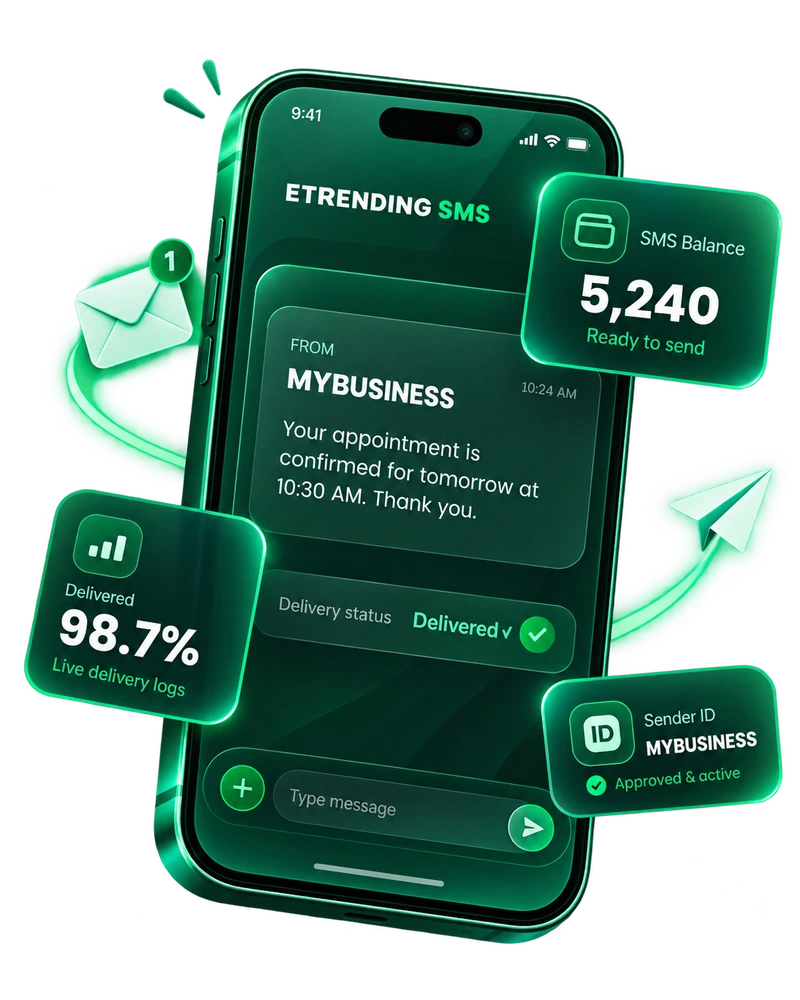
Send single SMS, run customer campaigns, request your business Sender ID free and connect your own software through the Etrending SMS API — all from one clean portal.
Built for everyday business messaging.
Simple enough to send one SMS in seconds, powerful enough to connect your software and manage campaigns at scale.
Free Sender ID request
Use your business name as the approved Sender ID. Download the Etrending NOC, complete it and upload it from your account.
- 11-character Sender ID limit
- NOC download & upload
- Approval status tracking
Single SMS & campaigns
Send a quick notification to one customer or create a campaign for a larger recipient list from the same workspace.
- Live SMS balance
- Sent / failed counters
- Complete delivery history
Developer ready
Create an Etrending API key, copy the endpoint and download integration documentation for your developer.
- Etrending API endpoint
- API key generate/revoke
- Downloadable developer guide
Start with your business name.
Create your SMS account first. Inside the portal, download the NOC letter, fill/sign/stamp it and upload it for approval. Once approved, your Sender ID becomes available for sending.
Try Etrending Business SMS
This creates an SMS-only customer portal. If you already use another Etrending service, do not create another account — use your existing Customer Portal login and request SMS Gateway there.
